Why You Should Get an LED Monitor
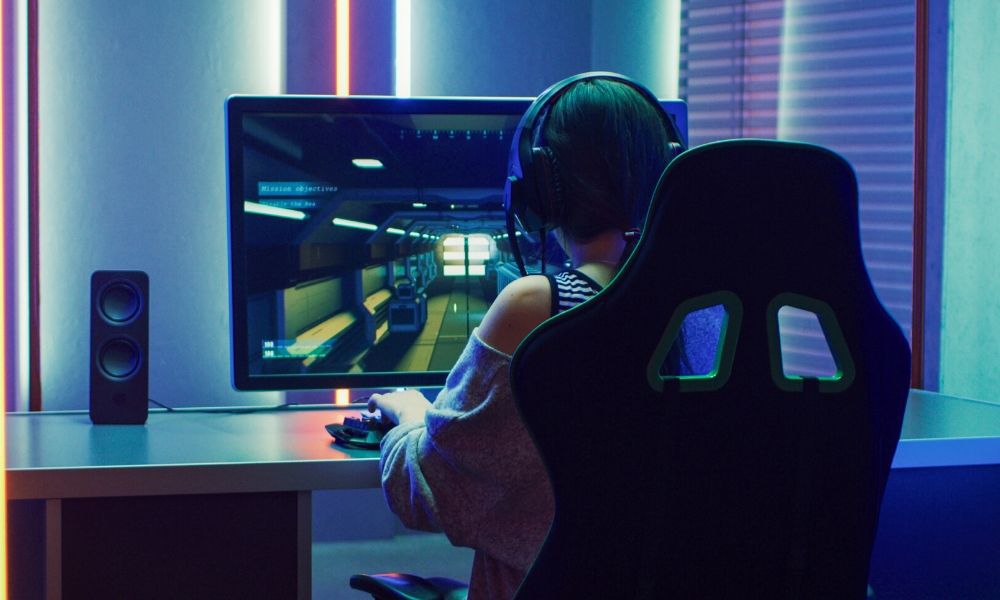
Your old monitor has died on you, and it’s time to get a new one. What to do? There are hundreds of different monitors in different sizes, shapes, and prices. Looking around for the right one is a dizzying affair that could take days if you let it. Don’t despair, though; there is hope. Narrow down the field by making one simple choice: LED. Here’s why you should get an LED monitor and never look back.
What Is LED?
Light emitting diodes (LEDs) are small semiconductors that emit visible light when an electrical current passes through them. LEDs are typically more efficient and longer-lasting than traditional lighting. While manufacturers often use LED in place of LCD, an LED TV is also a type of LCD. Instead of CCFL tubes to provide the LCD’s backlight, rows of LEDs provide the backlight. The LEDs provide better control of the light as well as greater efficiency, as it is possible to control individual LEDs. LCD technology came first, and the LED is an improvement on that technology.
Why LED Is Better Than LCD
LED monitors are better than LCD for a few reasons. The many backlights that LED monitors use make their response almost instantaneous when switched on. There is no waiting for it to warm up. That means not having to wait for gaming or streaming ever. The LED monitors consume less energy, have better response times, are thinner, and are lighter. That makes them much easier to transport and keeps the electricity bill down when having extended gaming sessions. If your monitor is set up in well-lit room, the LED monitor is easier to see in the sunlight. The LED screen has better contrast and brighter colors that make the images come alive in a unique way. What the LCD monitor has going for it, though, is price. On average, they are cheaper than LED monitors. Just like every other piece of technology, the price of LEDs is coming down. As more companies develop their own versions of LED monitors, the technology improves, and the price comes down.
Pay Attention to the Specs of the Monitor
When you’re shopping for a new display, don’t forget to review all its specs. While the backlighting type is important, you should also take the resolution and refresh rate into account. Resolution means how many pixels are displayed on the monitor. The more pixels you have, the more dynamic your composition of colors will be. The highest-quality monitors have resolutions of at least 1920 x 1080.
Refresh rate refers to how fast your monitor updates the display with new information from your computer. If you’re a gamer, it’s important that you get a monitor with an amazingly fast refresh rate (144 Hz to 240 Hz) so you won’t suffer from screen tearing. That’s a nasty visual effect that happens when your monitor can’t keep up with the pace of the computer.